

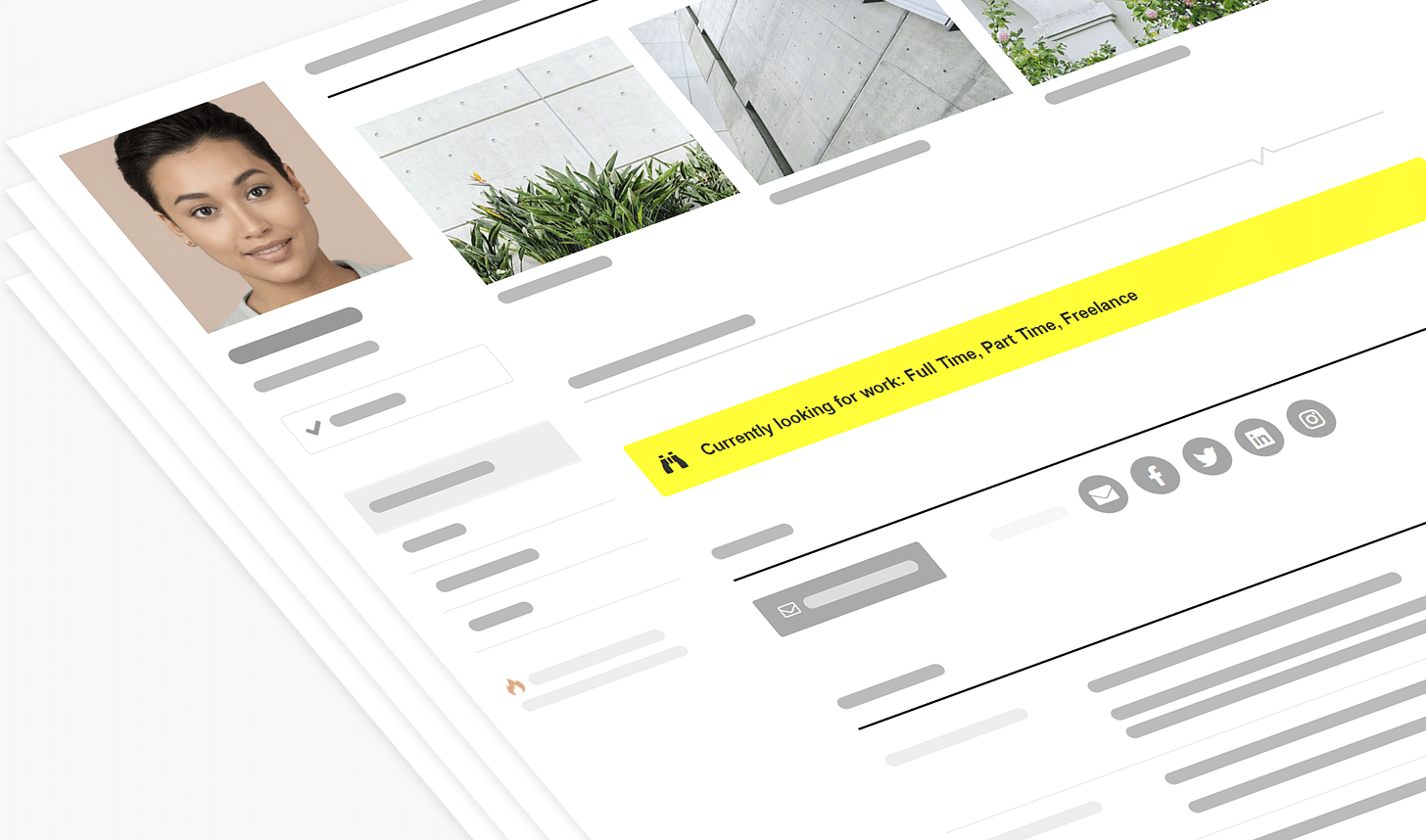
It goes without saying that the job market for architects is really tough right now. It does need to be said, however, that there is much more job seekers can do to improve their chances of getting hired. Naturally, Archinect, the first and only go-to talent marketplace for the Architecture industry, is the place to start.
Archinect currently hosts nearly 40,000 active job seekers within our huge directory of architecture portfolios and profiles in Talent Finder. Archinect also hosts tens of thousands of firms that are actively utilizing Archinect to find new staff. The problem, as we've heard from many employers, is that too many job seekers are doing a less-than-stellar job at selling themselves.
But fear not, we're here to help! We've compiled the feedback from employers, and studied our huge database of job seeker profiles, to put together a simple guide to help you optimize your profile to increase your chances of getting employed.
TABLE OF CONTENTS
Firms have raved about the effectiveness of Archinect's Talent Finder, the subscription-only platform on Archinect that allows employers to connect with job seekers.
One of the most appreciated aspects is that employers are able to quickly browse job seekers, in a consistent format, allowing the skills, work, and biographic information to be presented clearly without the hassle of navigating different presentation formats. Unfortunately, many job seekers haven't devoted the time to complete their profile, and some simply provide a link to their own website. When an employer is browsing hundreds or thousands of potential employees' CV's on Archinect, these incomplete profiles often get passed by due to the time required to get more information.
Consider your Archinect profile as the place to keep all your information that architectural employers look for when recruiting.
Simply put, if you want a job, spend the time to complete your Archinect profile. We'll go over how to optimize each component of your profile below...
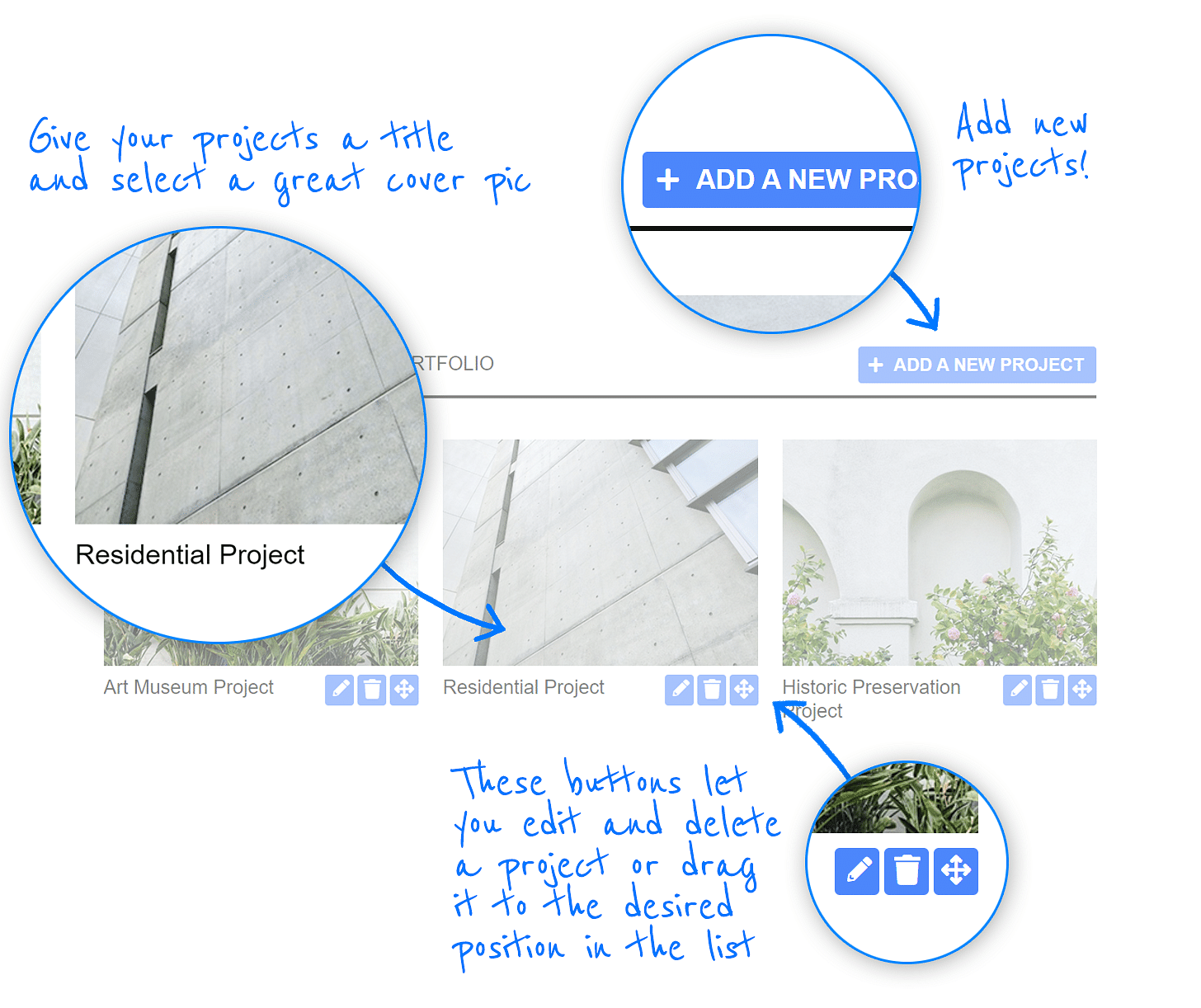
There are a few different ways to present your design work on your Archinect profile. The first that we'll discuss is the Projects portion, also known as the Portfolio. This section allows you to upload multiple projects, with multiple images per project. This presentation format is very specific — the images must be JPG, GIF, or PNG format, and the resolution of the images is limited to typical screen resolutions. That said, we recommend that you use this section for images that don't require a high level of fine detail. Images that work best are photographs, renderings, close up details of drawings. Images that don't work well here are large, complex drawings, or images originally intended for large scale presentation boards. For complex imagery, we suggest you embed and present your PDF portfolio, as described in more detail below, allowing viewers to zoom in and see the work full-screen, with scalable graphics.
The "Work Updates" section offers an opportunity to show off what you're currently working on.

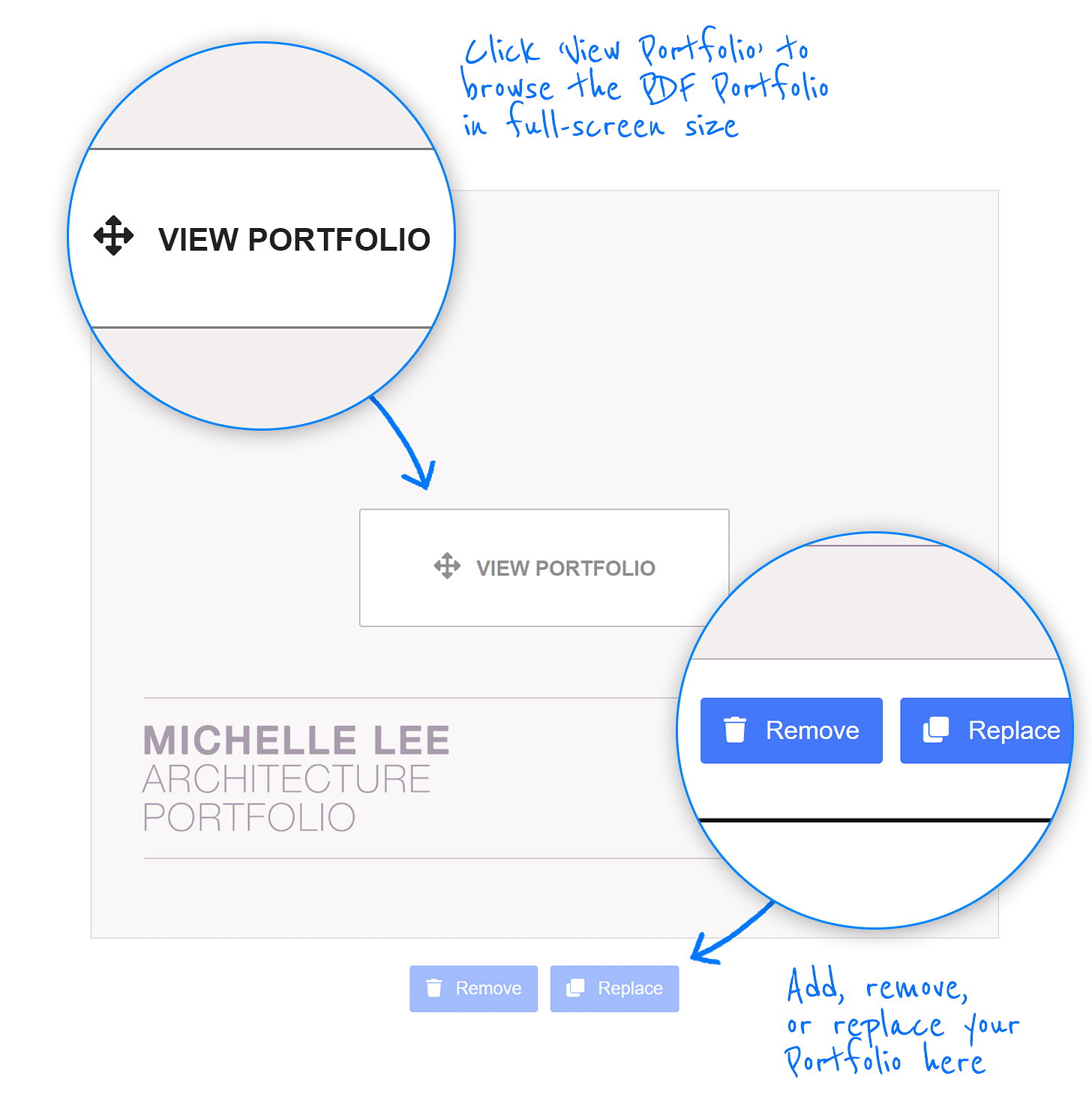
Your portfolio is a labor of love and your most valuable asset when it comes to the application process. Luckily, embedding your PDF portfolio in a prominent spot on your Archinect profile and showing it off in a scalable, high-detail, full-screen format is very easy:
This is the best way to show highly complex and detailed imagery on your Archinect profile.
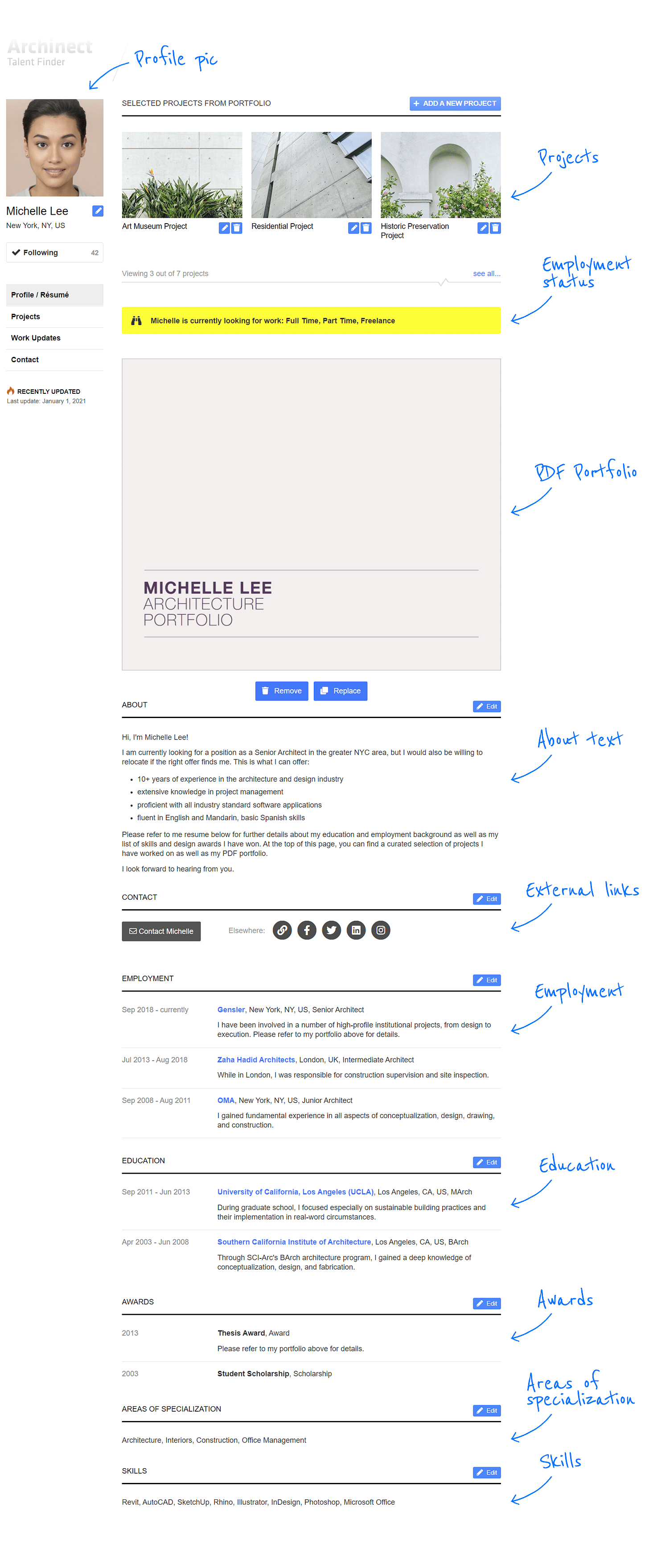
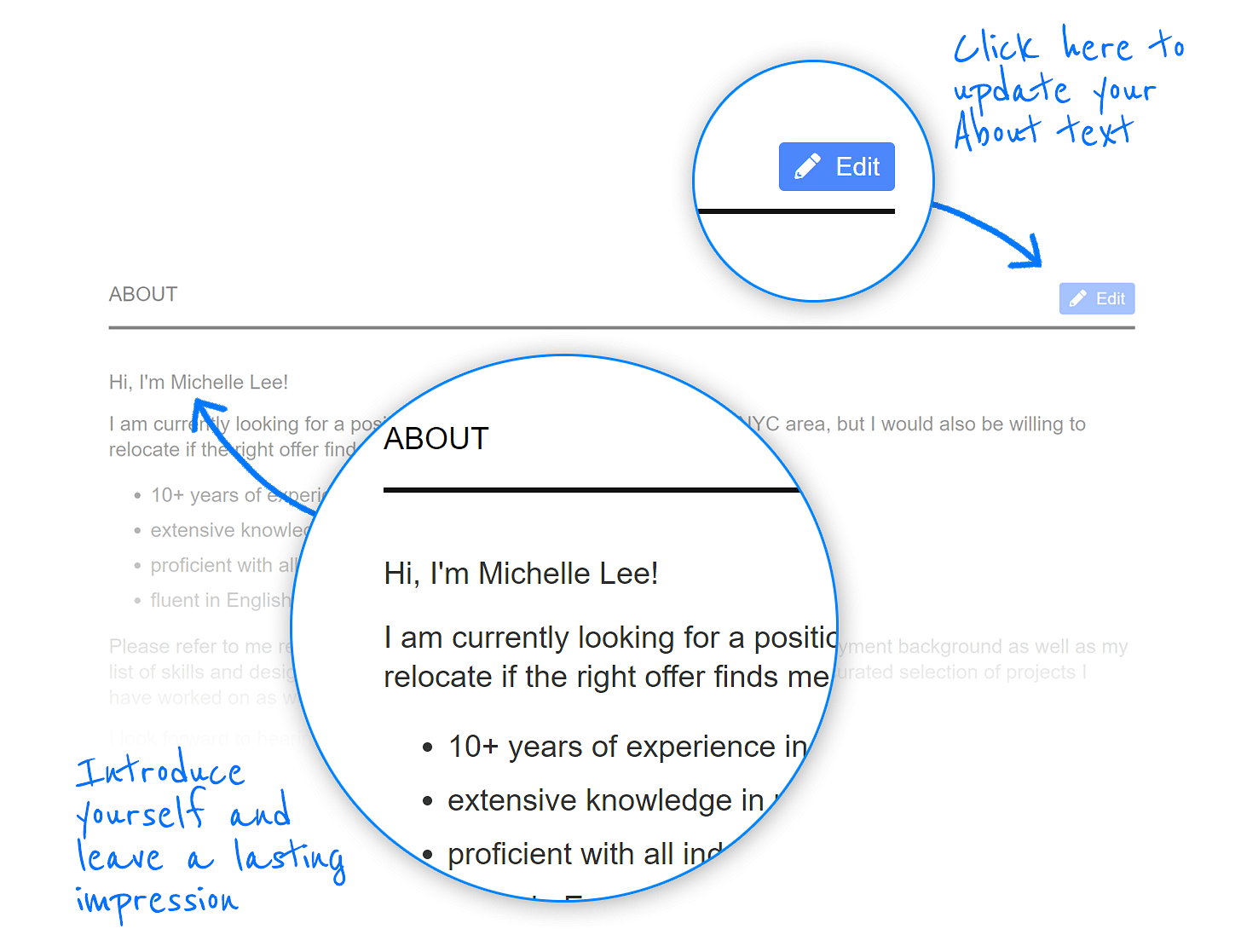
The About section is a brief introduction about yourself, written in the first person. Consider this your virtual handshake.
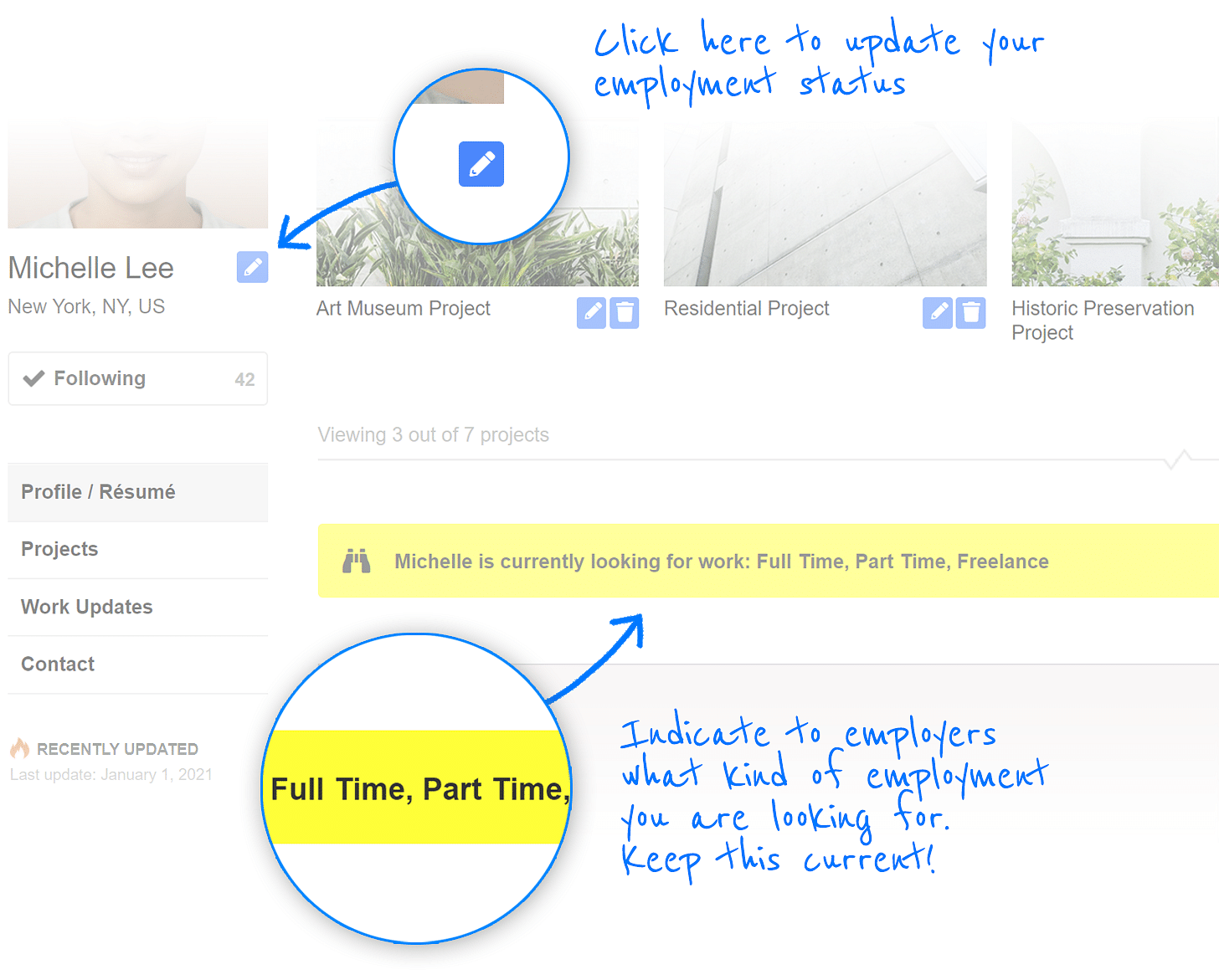
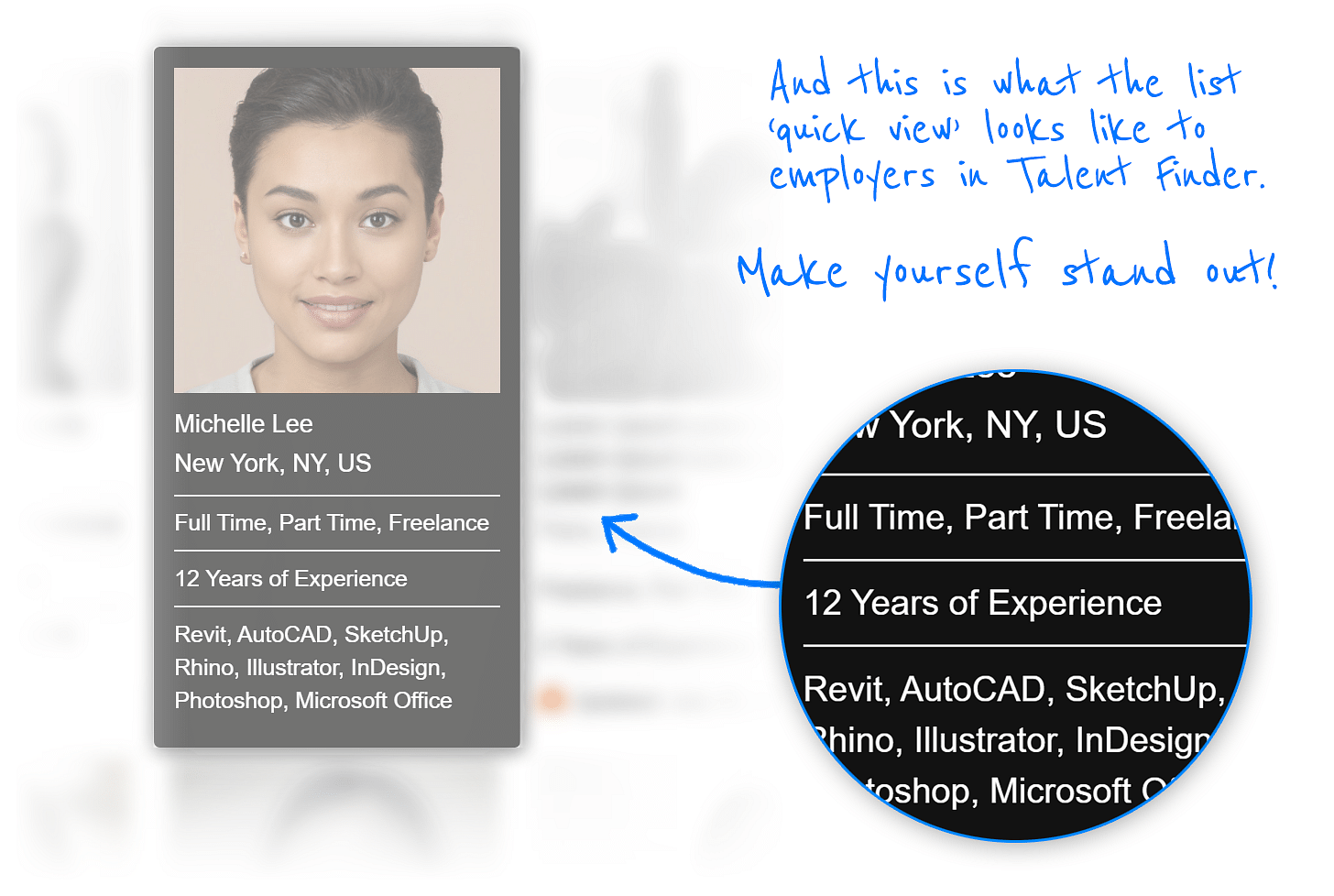
This is really important if you're looking for work — it's what includes you in Talent Finder, so employers can find you during their recruitment process.
While we don't recommend that you require employers to click through to your other links, having the option to get more information, beyond a complete Archinect profile, can be what separates you from the competition. Remember to keep the external links work-safe. If you don't want a future employer to see your party side, you might want to not include your Facebook or Instagram links.

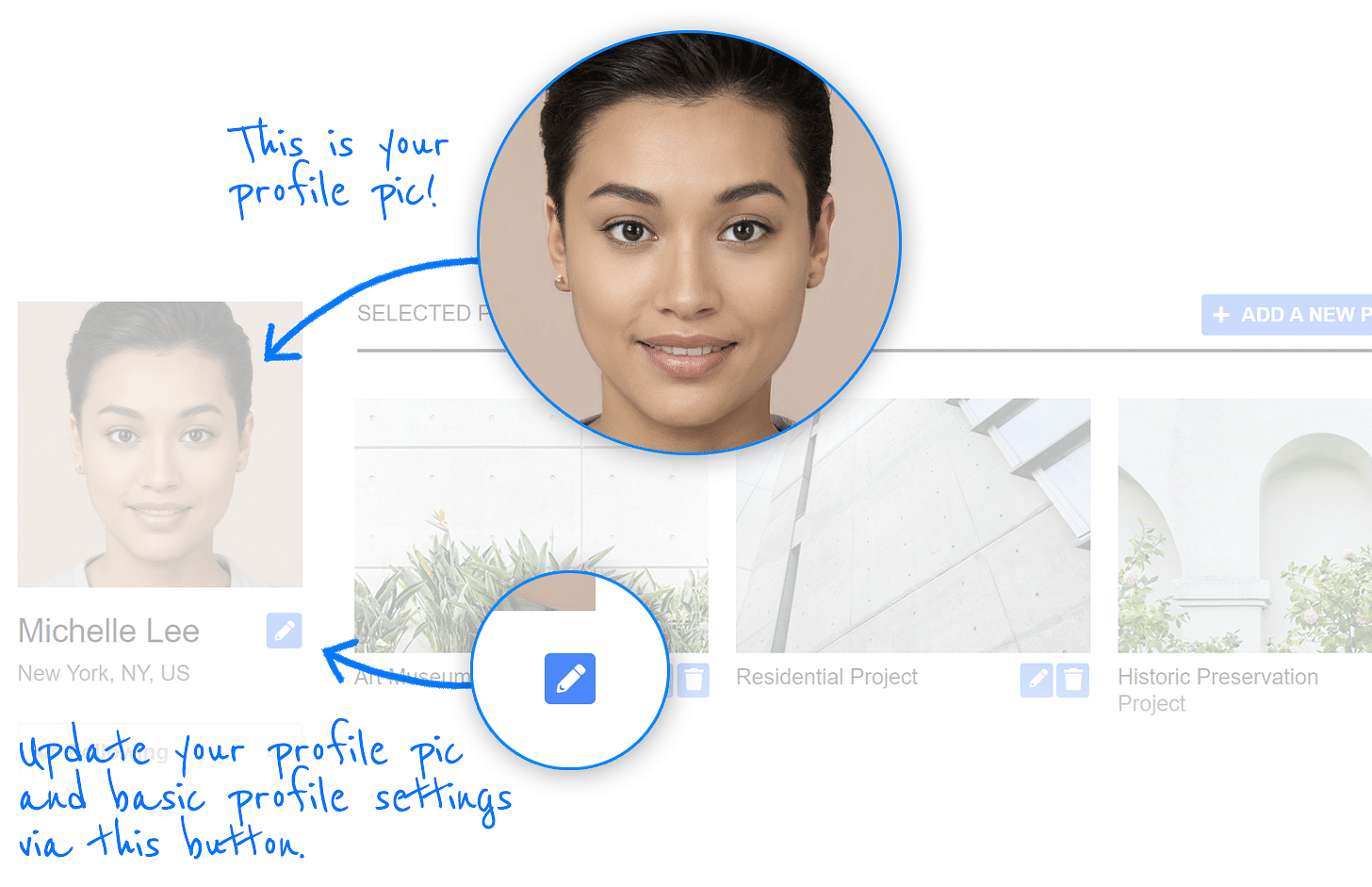
The profile photo is often the most carelessly considered part of the portfolio. It's amazing how many decent profiles have stock computer background images as profile images.
Consider this a design exercise! Show off your creativity with an image that captures your unique personality and visual skills. Many of the most visited profiles on Archinect get the attention they do from a great profile image.
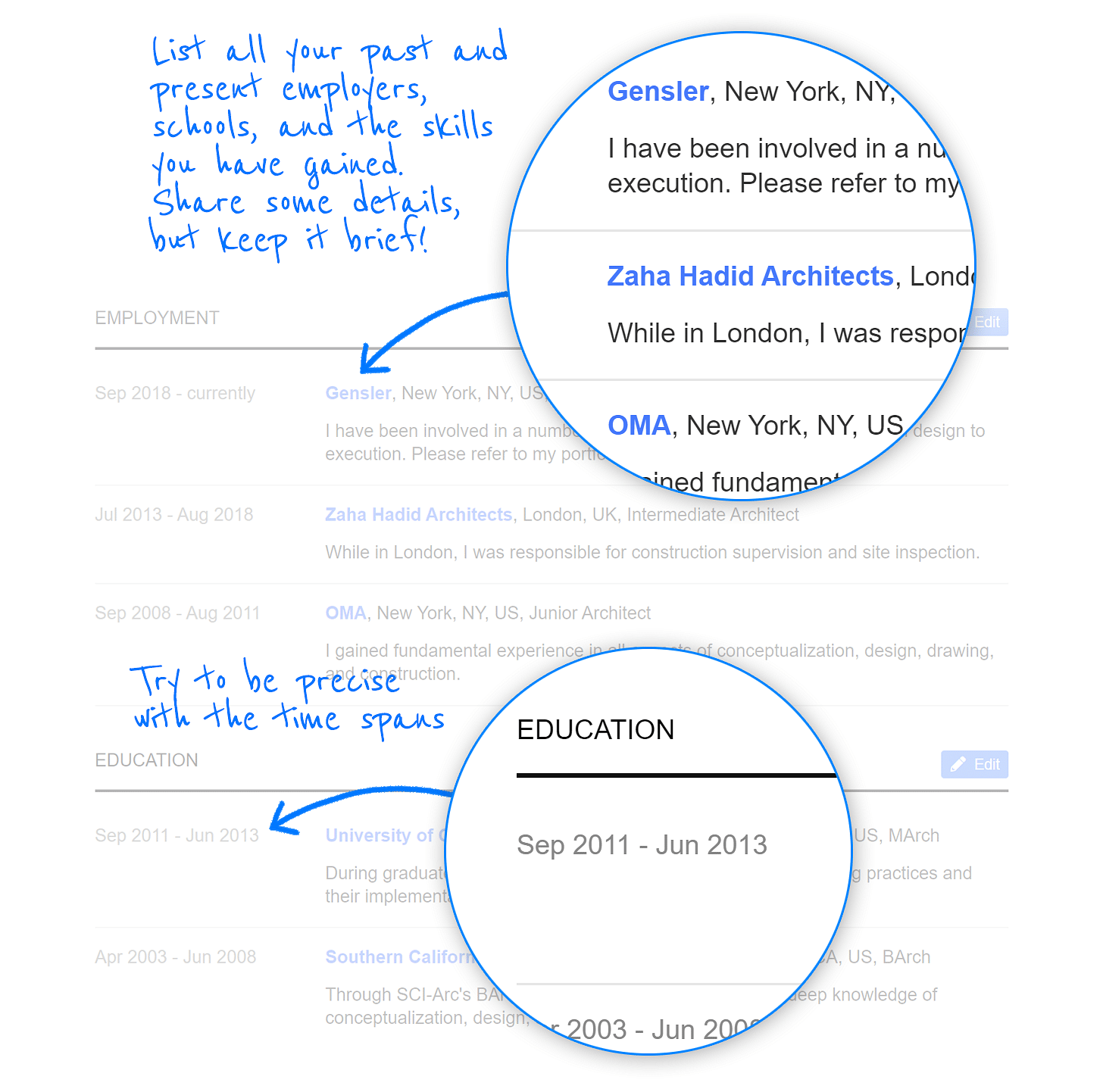
This is the traditional CV portion of your profile.
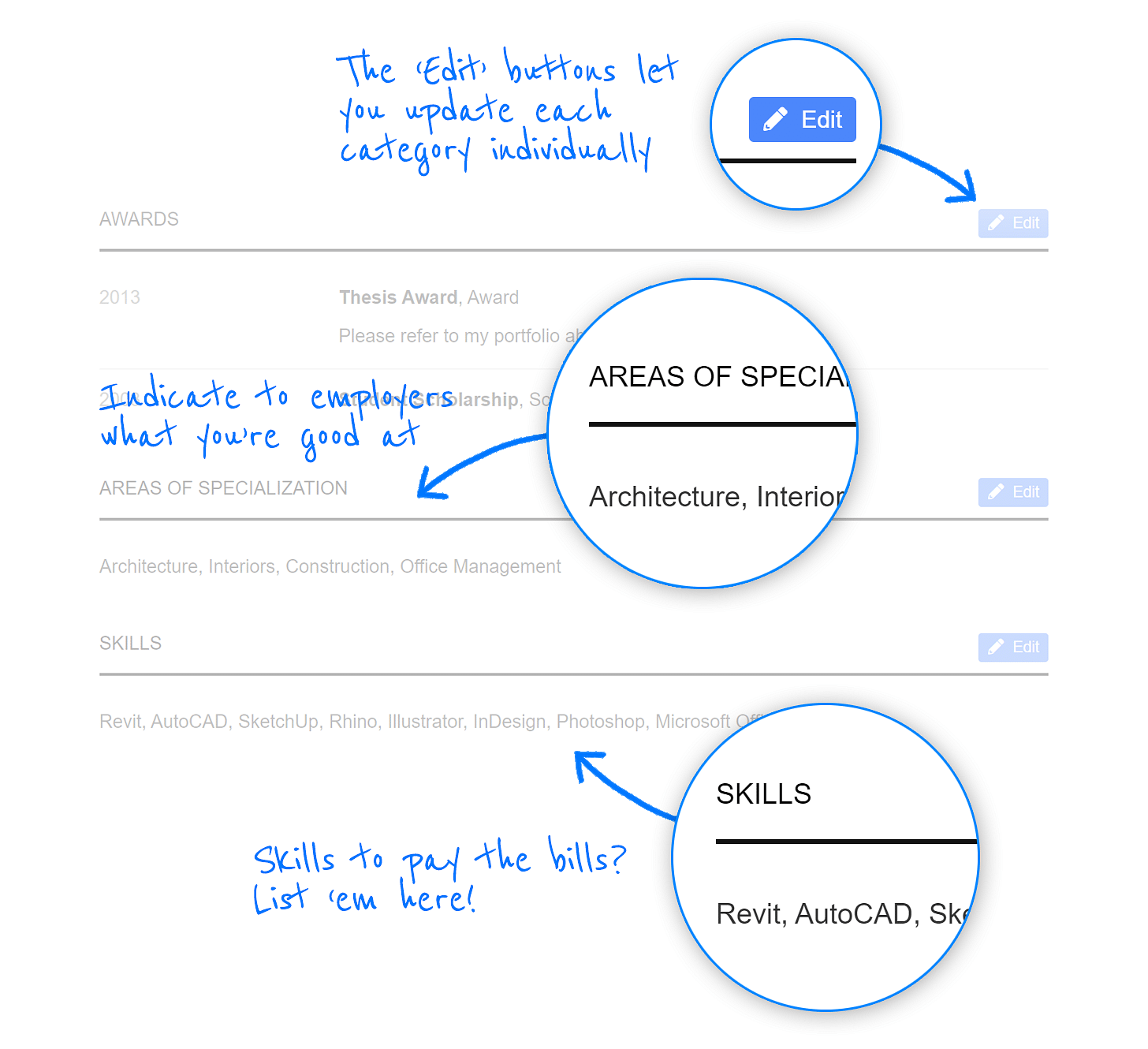
The Archinect profiles offer three locations to brag: Awards, Skills, and Areas of Specialization. Don't be modest!
Brand yourself with your own shortened Archinect address. For more information about this feature read this.

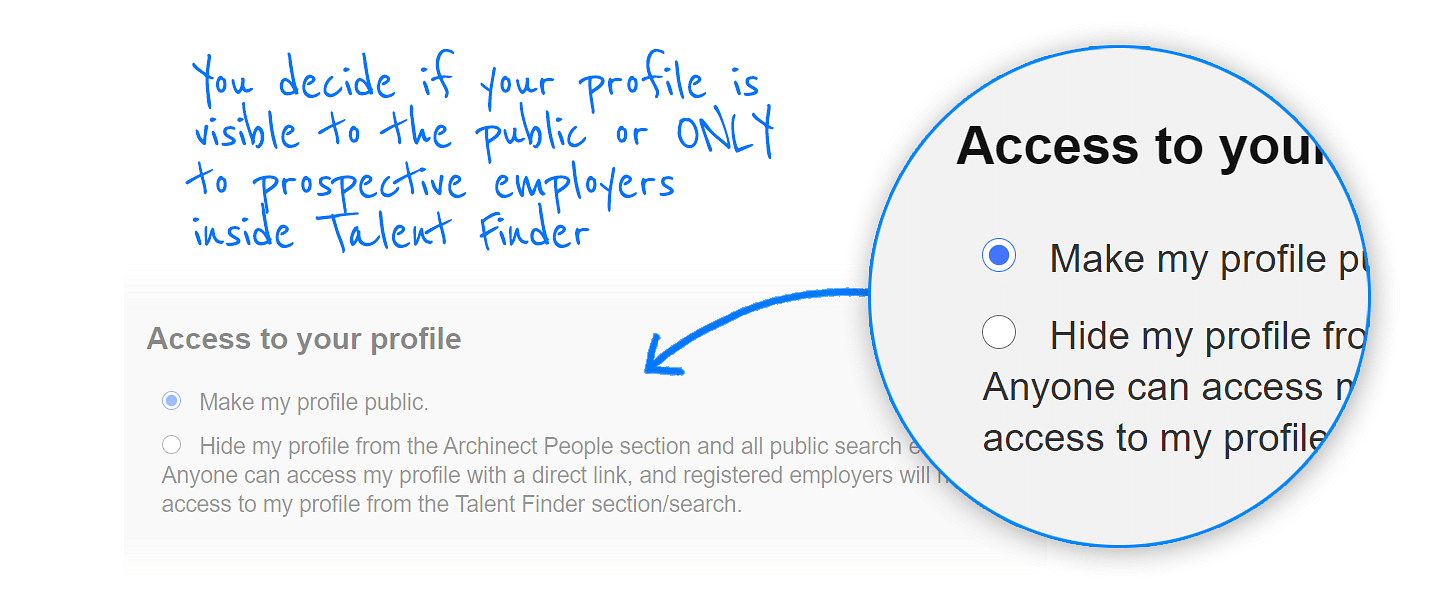
Worried that your current employer will see that you're looking for a new job? Or are you just shy? No problem, you can hide your profile from the public in your account settings page.
Note: if your profile is set to "public," then you make it hidden later, it will take a while for search engines, such as Google, to stop indexing it.
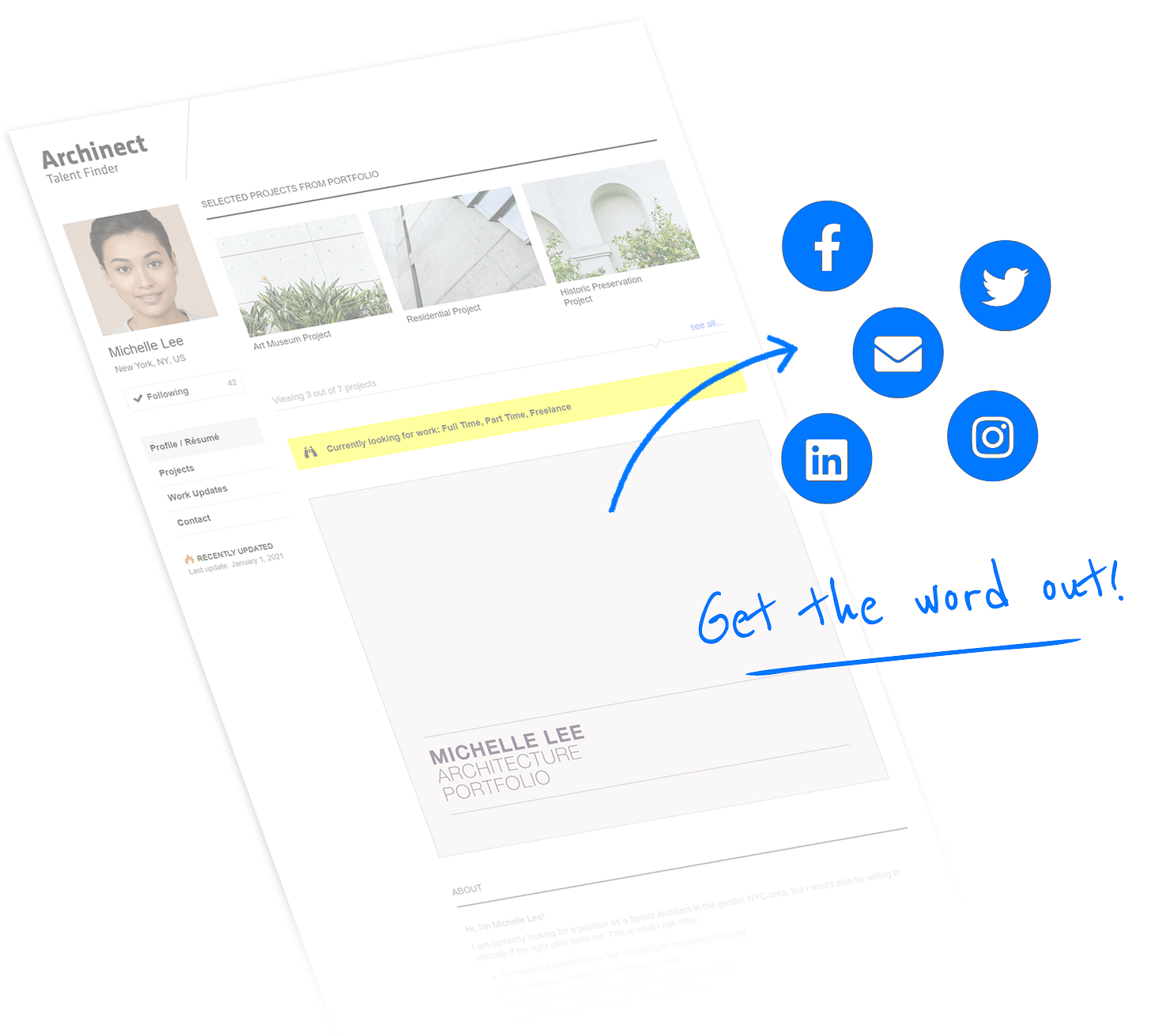
Once your profile is complete, it's time to start linking to it from your other social networks. A simple tweet, Instagram post, or link from your LinkedIn profile can capture the attention of your future employer.
We hope this summary has helped some of you better understand the value and potential of a thoughtfully composed Archinect profile. If you have any questions, or advice, about how the profiles can be improved, feel free to contact us or post to the comments below.
Don't have an Archinect profile yet? Click here to get started.
Good luck!
Paul Petrunia is the founder and director of Archinect, a (mostly) online publication/resource founded in 1997 to establish a more connected community of architects, students, designers and fans of the designed environment. Outside of managing his growing team of writers, editors, designers and ...






No Comments
Block this user
Are you sure you want to block this user and hide all related comments throughout the site?
Archinect
This is your first comment on Archinect. Your comment will be visible once approved.